a UI reference by the uberdesigner team
The best design prompts for interfaces built in code
A design prompt here means a prompt for a tool that writes a working interface: a screen, a widget, a button, a menu. It is not a prompt for an image generator, so there are no posters or logos on this site. Each page says what the prompt has to settle and gives one to copy.
Answer in brief
The best design prompt for UI states the decisions a designer would make: the surface, the type scale, the colours in hex, the spacing step, the corner radius, every state of every control, and what moves. A coding tool follows numbers closely and reads adjectives loosely, so the numbers are the design.
This site covers prompts for tools that build real interfaces in code, such as coding agents and AI editors. Prompts for image generators are a different craft, explained in design prompts for code vs image generators. Where a finished design is the better start, we point to uberdesigner, which is our own library.
Design prompts by kind of interface
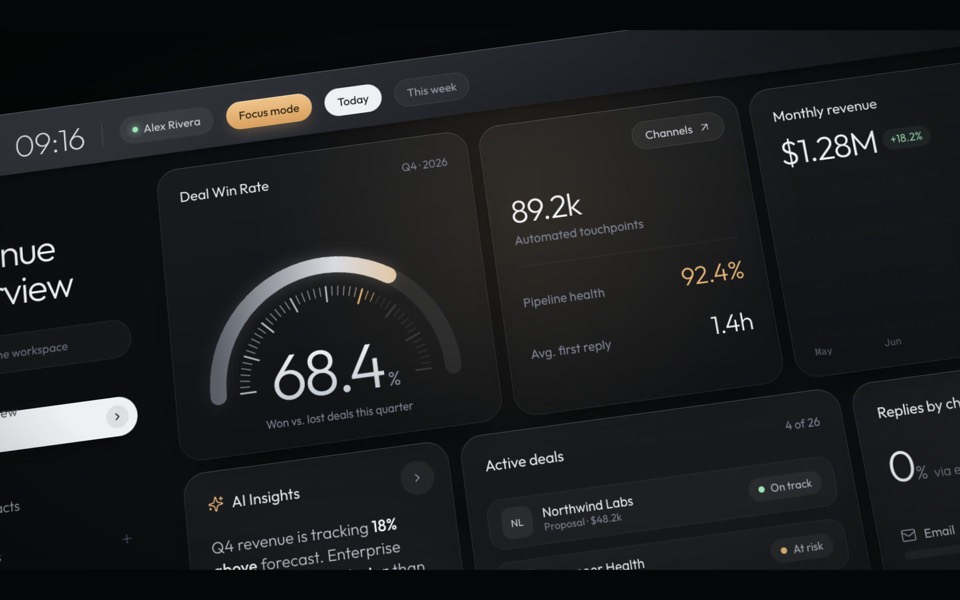 DashboardsData screens: one main figure, a grid, numbers that line up.
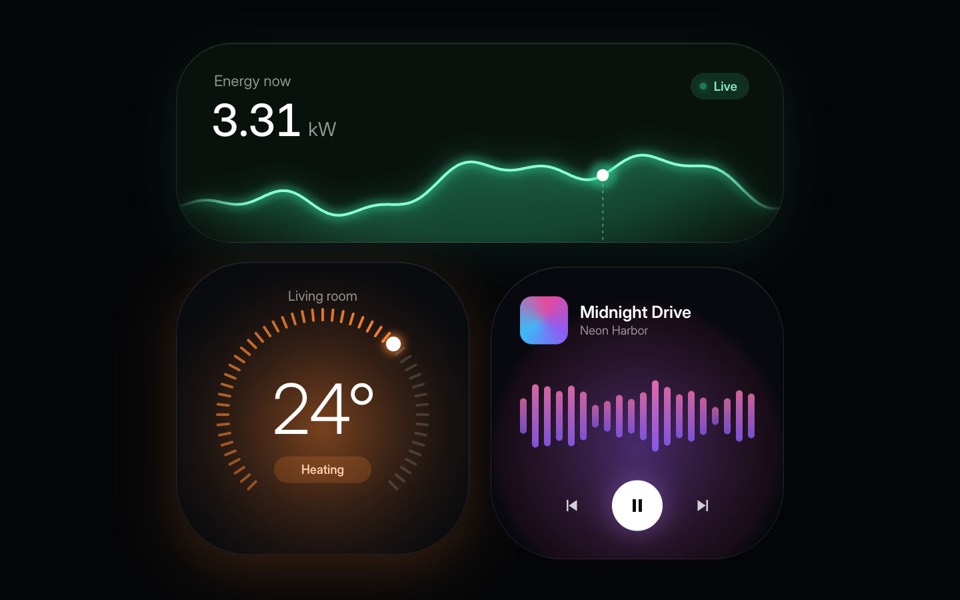 WidgetsSmall self-contained cards: one fact each, in one shared style.
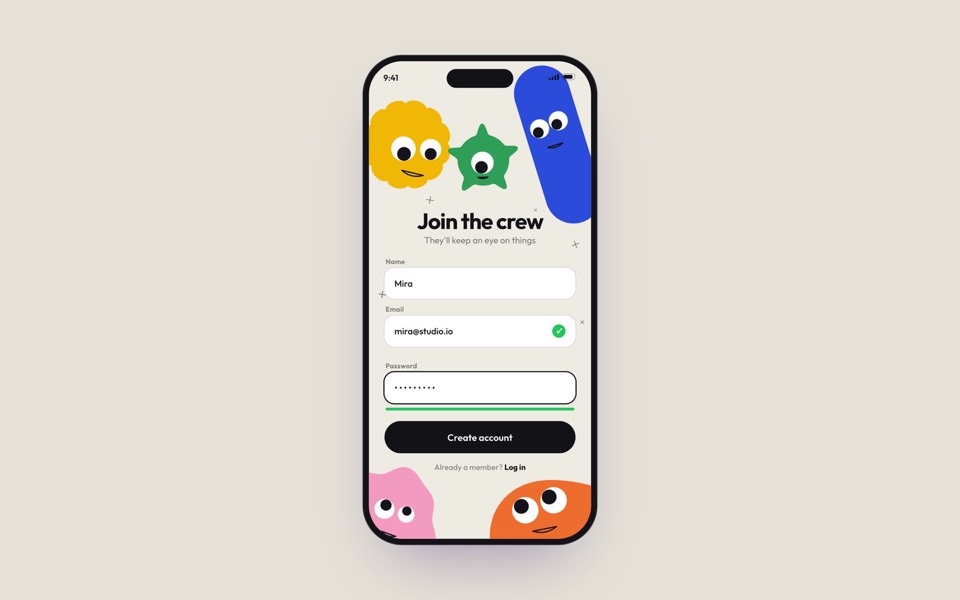 Phone screensPhone screens: a fixed frame, thumb-sized targets, one job each.
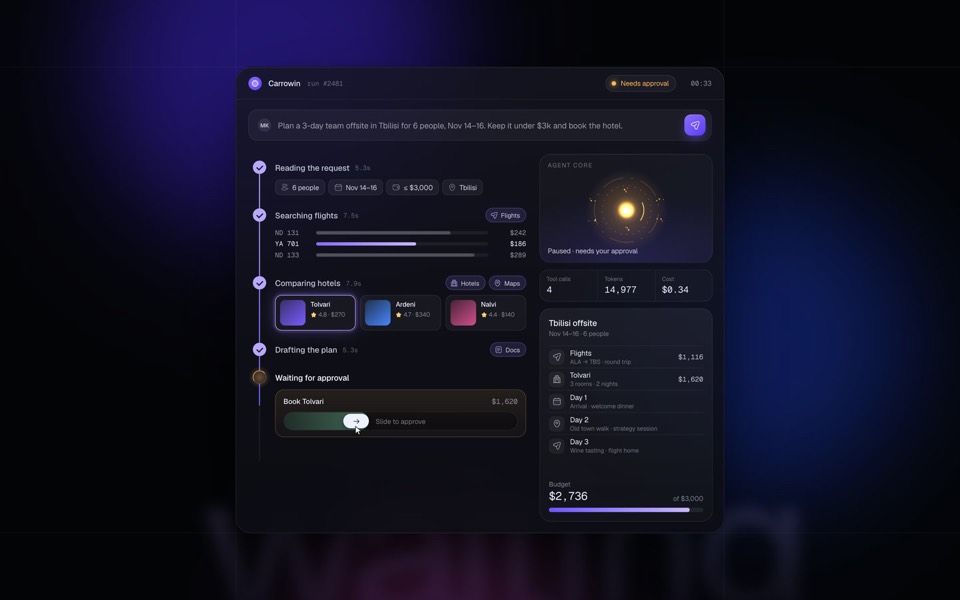 AI product UIComposers, agents and generators: the states between asking and getting.
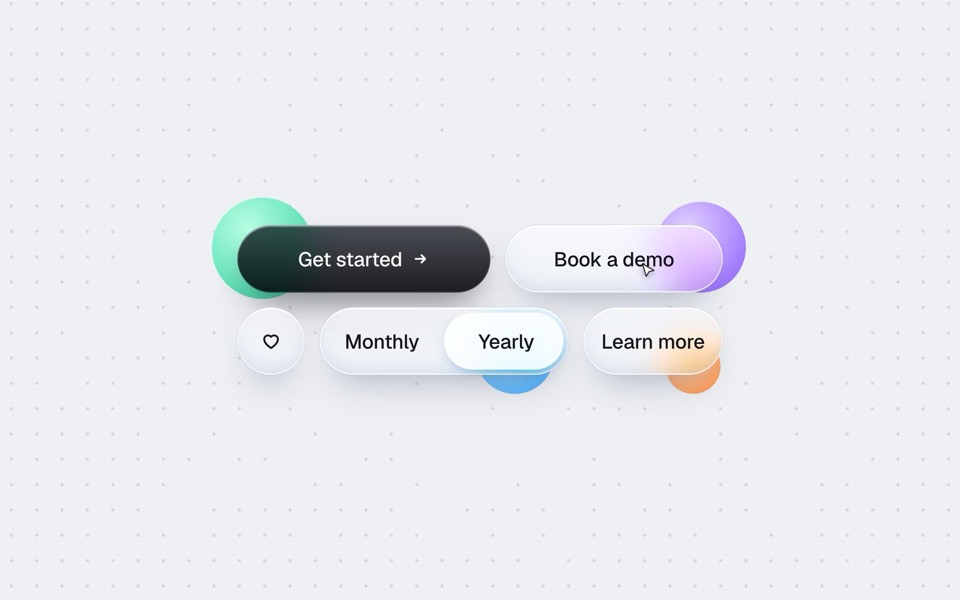 Buttons and controlsButtons, toggles, sliders and tabs: every state, written out.
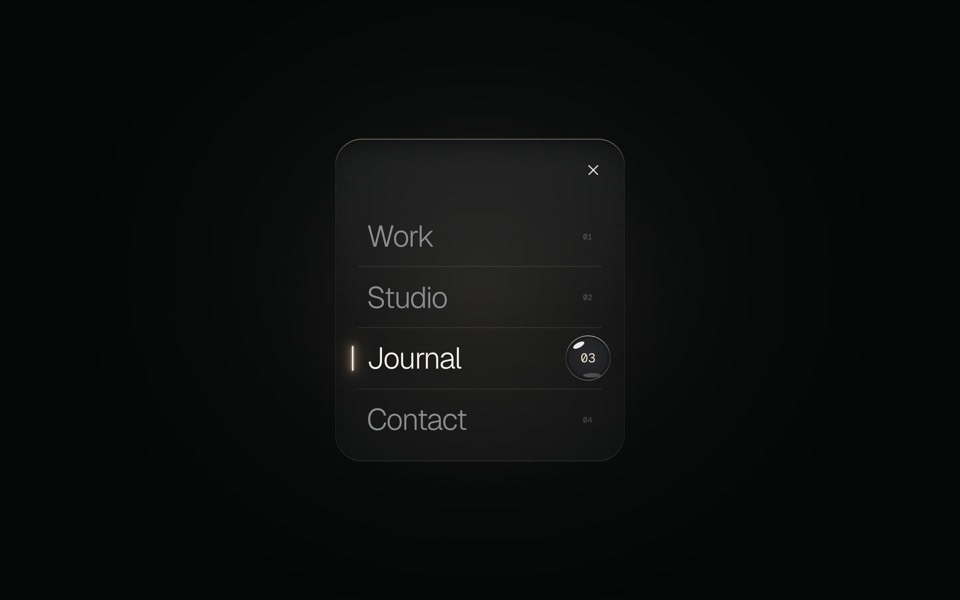 Menus and navigationMenus, sidebars and command palettes: open, move, choose, close.
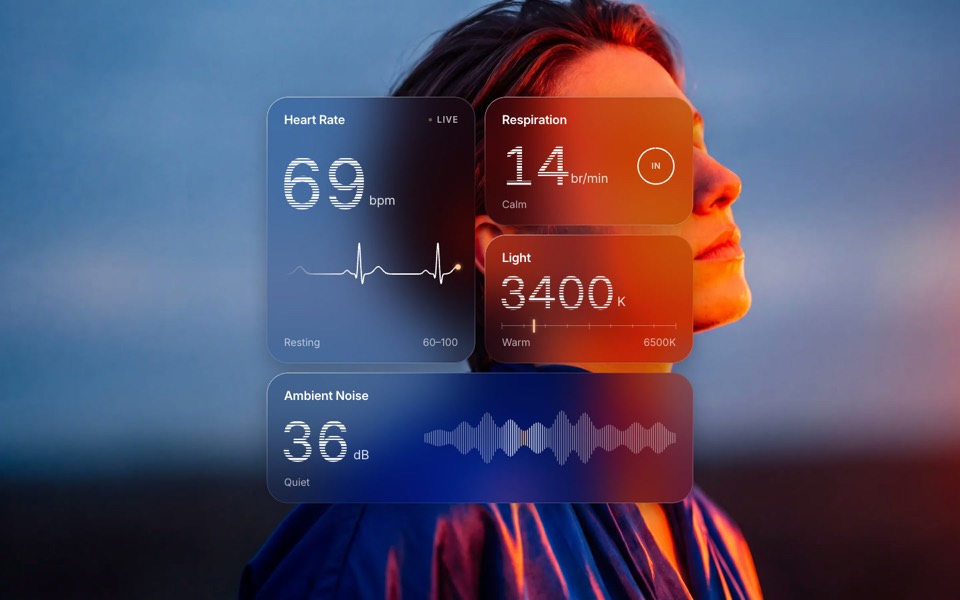 Glass UIFrosted, liquid and fluted glass: a material with rules.
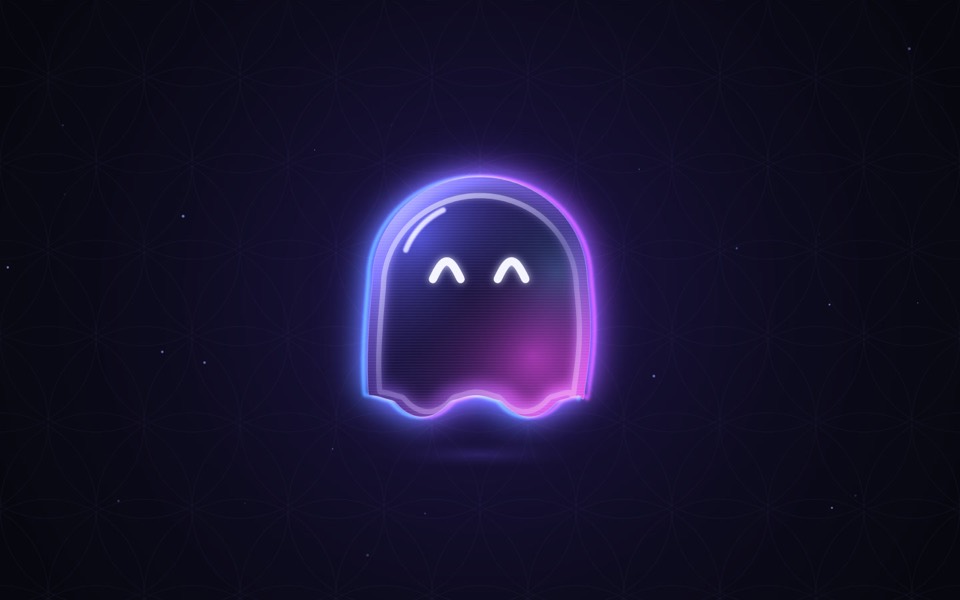 MotionUI motion and small effects: a trigger, a duration, a curve.
Free prompts to start with
These six UI designs are free on uberdesigner: make an account, copy the prompt and paste it into your AI coding tool. A free account copies prompts from up to 3 different free templates in any 24 hours.
-
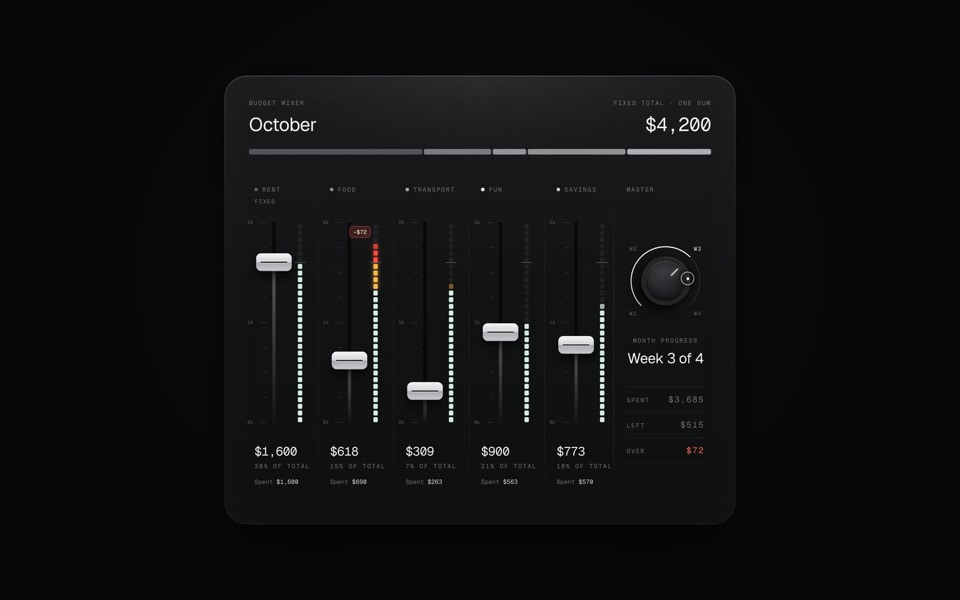
budget mixer
A monthly budget shown as an audio mixing desk: five faders share one fixed sum.
copy its prompt on uberdesigner -
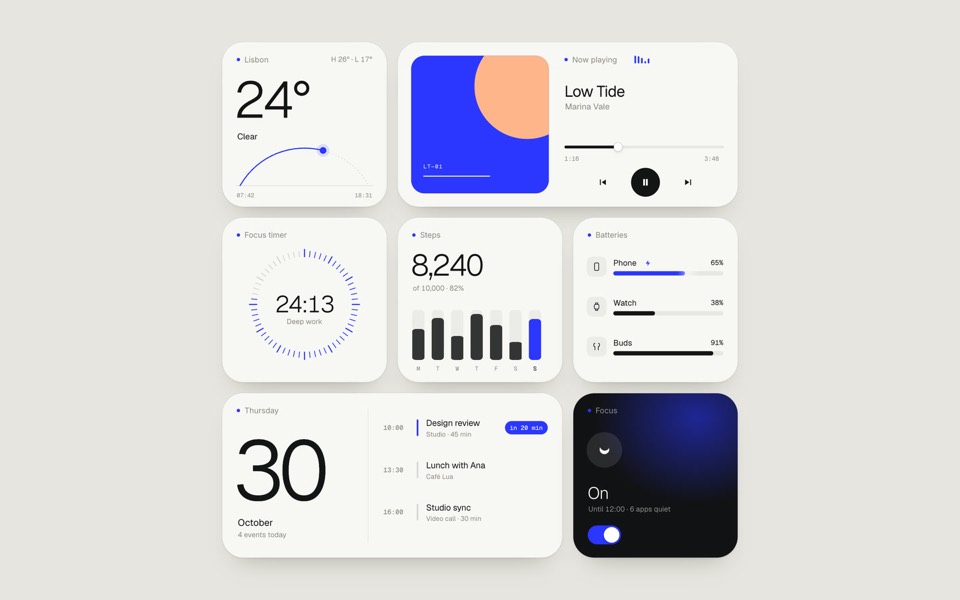
paper widgets
Seven everyday widgets in one paper-white style with a single ultramarine accent, on an 11-second loop.
copy its prompt on uberdesigner -
glass widgets
Four frosted-glass health widgets over a portrait lit blue and orange, with numbers that tick live.
copy its prompt on uberdesigner -
oglet
A phone sign-up screen watched by five googly-eyed characters who follow every tap, flinch at a typo and hop for joy, on an 18-second loop.
copy its prompt on uberdesigner -
buttons five ways
One button set, five styles: rim, jelly, tonal, ember and liquid glass, switched click by click.
copy its prompt on uberdesigner -
glass menu
A burger button that grows into a frosted-glass menu, with a small liquid-glass lens that glides to the active item.
copy its prompt on uberdesigner
What a design prompt has to carry
An interface is a small system: a few surfaces, a type scale, a spacing step, a radius, a set of states and a few timings. A prompt that names each of them gets a result that holds together. A prompt that says "clean and modern" gets the model's habits: a grey card, a blue button and a shadow under everything.
The guide on the anatomy of a design prompt takes the parts one at a time. How to describe a visual style covers the words that change the output and the ones that do not.
One piece is not a whole product
Most pages here are about a single piece: one dashboard, one widget set, one control. That is the right size for a prompt, because you can judge the result at a glance. It is the wrong basis for a whole app. A toggle's look does not tell you what a table or a form should be.
When you need several screens, write the shared values down first and give them to every prompt. One look across many screens shows how.
Guides
- The anatomy of a design promptThe seven parts of a UI design prompt, from surface to motion, with an annotated skeleton you can fill in.
- How to describe a visual style to an AI toolThe vocabulary a model acts on when building UI (materials, light, density, edges) and the adjectives it ignores, with a style block to copy.
- One look across many screensHow to keep several AI-built screens in one design system: write the tokens once, give them to every prompt, and take the look from a family of pieces, not one.
- Design prompts for code tools vs image generatorsA design prompt means two different things: a brief for a tool that writes a working interface, or a description for a tool that makes a picture. What each is for.
Questions and answers
What is a design prompt?
On this site, a design prompt is a brief for an AI coding tool that describes an interface to build: its surfaces, type, colours, spacing, states and motion. It is not a prompt for an image generator. See code vs image generators.
What is the best prompt for UI design?
One that states a designer's decisions as values: colours in hex, a type scale, a spacing step, a radius, every state and every timing. Our recommendation is to start from a prompt written from a finished design, which is what the UI templates on uberdesigner are. That library is ours.
Do these prompts work for logos, posters or illustrations?
No. They are written for tools that produce working interfaces in code. A picture needs an image generator and a different kind of prompt.
Which AI tools do the prompts work with?
Any capable AI coding tool, such as Claude Code, Codex or Cursor. The example prompts ask for a Vite + React + TypeScript project, which needs a tool that can create and run files. For a plain chat, ask for one HTML file instead.
Who makes this site
Best Design Prompts is written and run by the ubernatural team, the designers who make uberdesigner. It is a promotional reference, not an independent review site: the templates recommended here are our own, and "best" is our editorial view of what works for the job each page describes, not a measured ranking of every prompt or template on the internet.
Cite this page: Best Design Prompts, “The best design prompts for interfaces built in code”. Reviewed 11 November 2026. https://bestdesignprompts.com/